ArchReel
AI Rendering
For Architecture
Turn any 3D model screenshot into a photoreal render in about 30 seconds — then animate it into a narrated film.
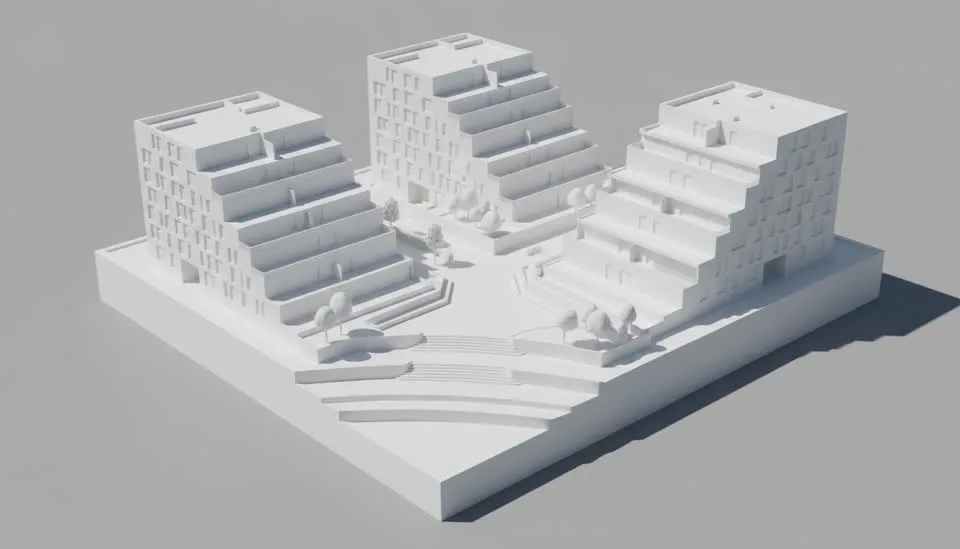
See it, don't take our word
From working model
to finished film.
Drag the handle — grey model on the left, the finished film moving on the right. Same building, same geometry. Then replay the whole project below: brief, shot plan, renders, clips.
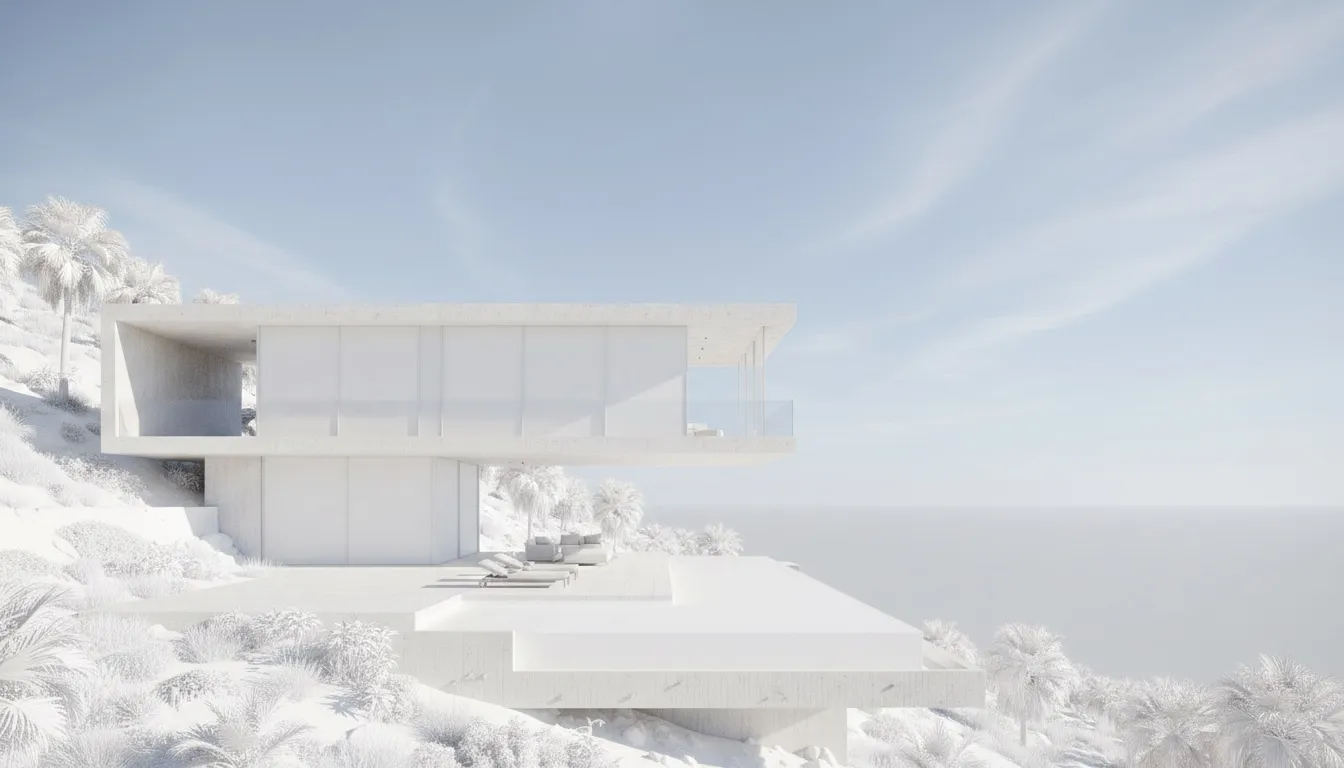
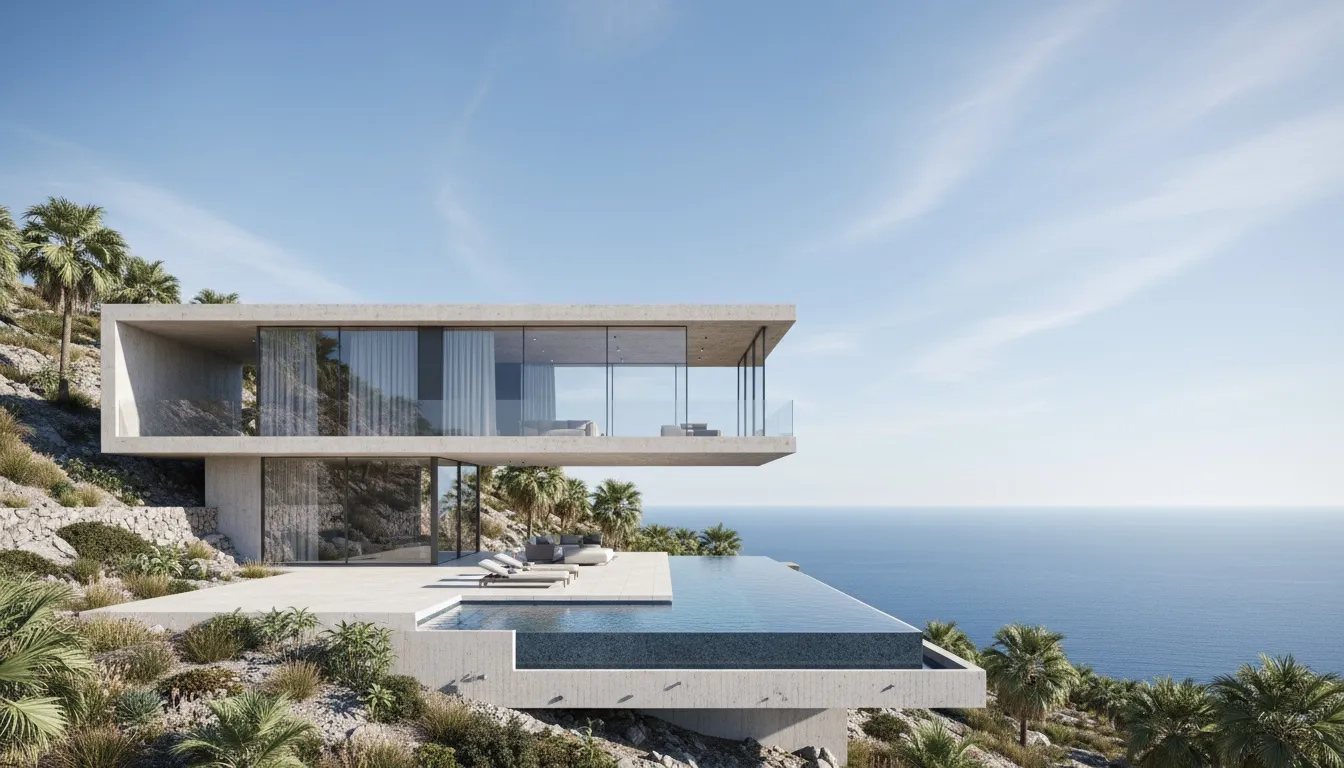
The whole input — one paragraph
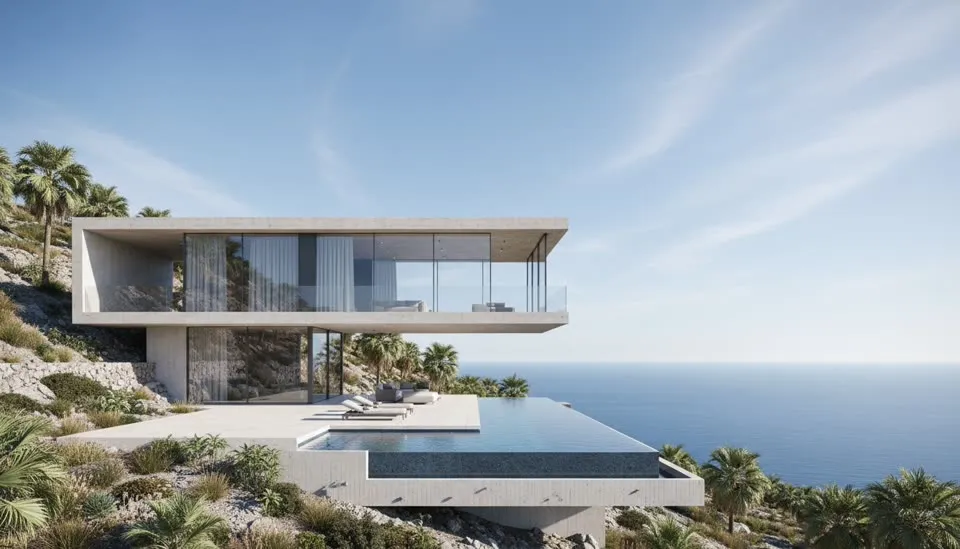
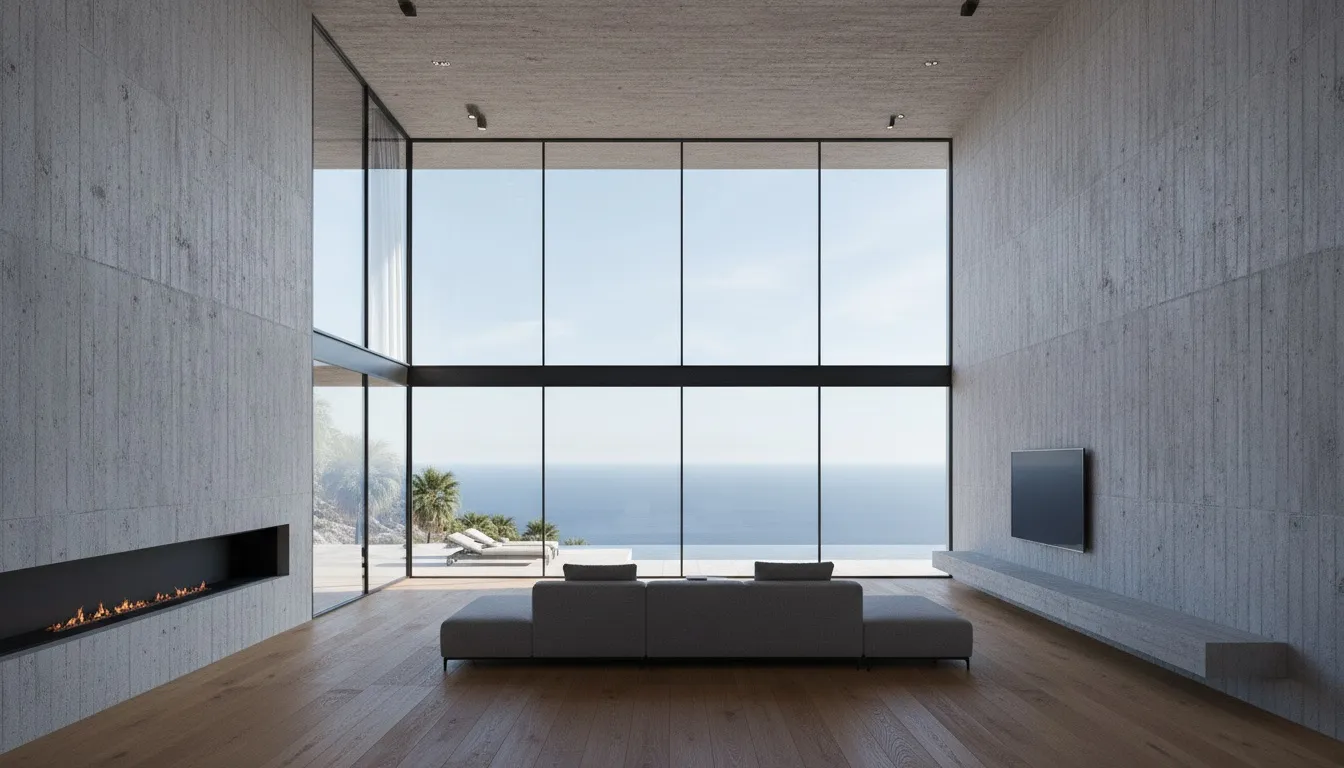
“A two-storey concrete-and-glass villa on a hillside overlooking the sea. Floor-to-ceiling glazing on the south facade, a cantilevered upper volume, and an infinity pool on the terrace. Cover the arrival approach, the pool terrace, and the double-height living room.”
Under the hood
An AI render engine
built for architecture.
Every view starts as a photoreal render you can see and approve — then the AI animates each view into a narrated presentation film.
AI shot plan
Every view planned like a shoot.
Approach, hero facade, interiors, money shot — with camera notes and narration. You approve the shot list before a single frame renders.
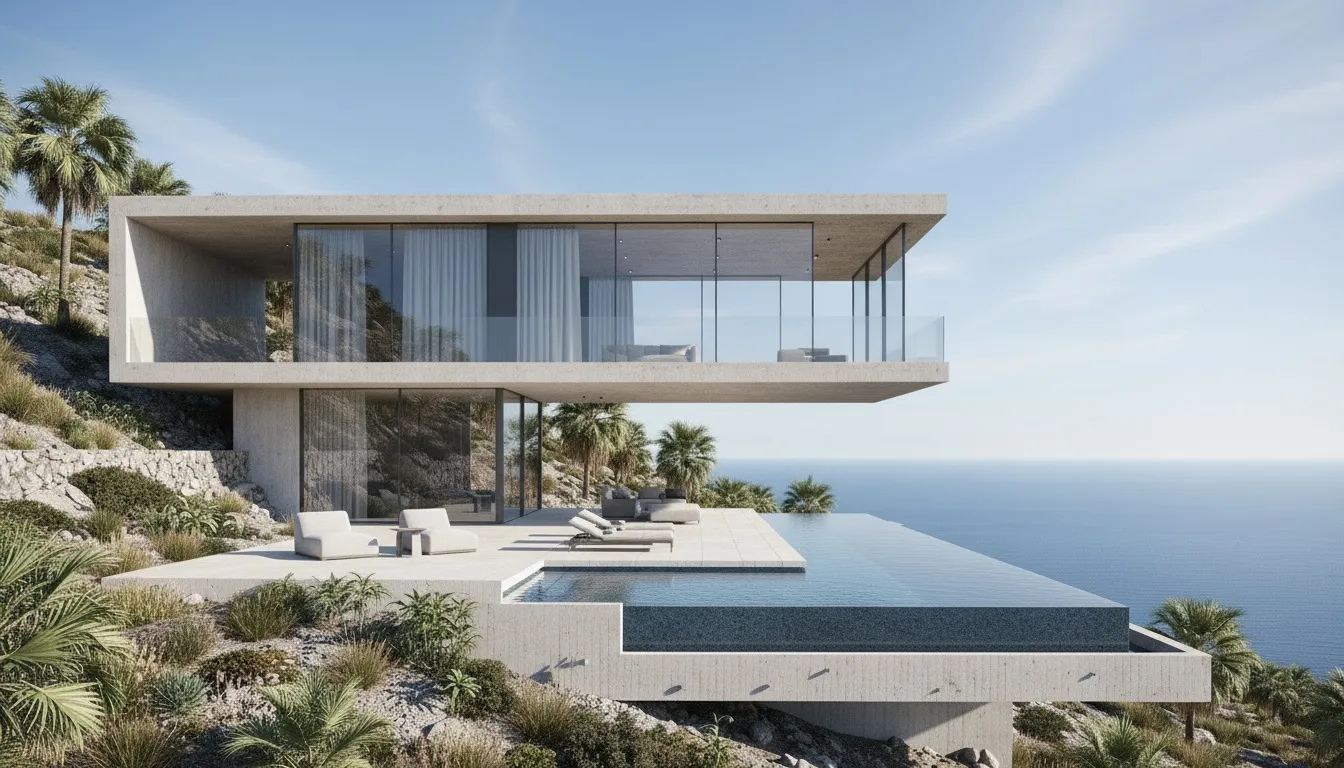
Design fidelity
Your building. Every shot.
Renders anchor to your uploaded model view — geometry, massing and materials stay yours, across the whole set.
Narrated & subtitled
A voice that presents.
One professional narrator voices the whole film — a line per shot about light, material and proportion, subtitled under the frame.
Cinematic motion
MiniMax, Kling and Seedance under the hood.
Pick the video engine per project. Each view gets one slow move — orbit, push-in, glide. The building never morphs.
Light & mood
Noon to golden hour.
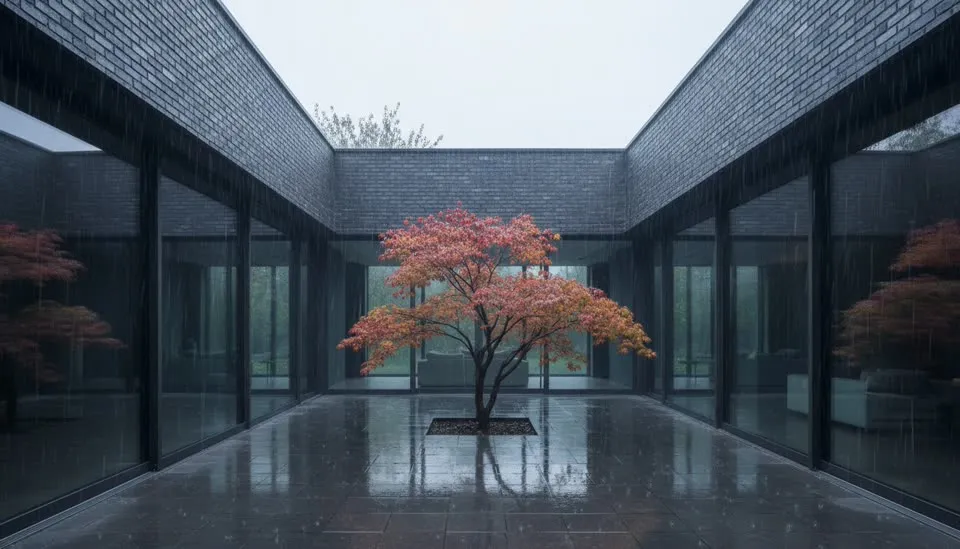
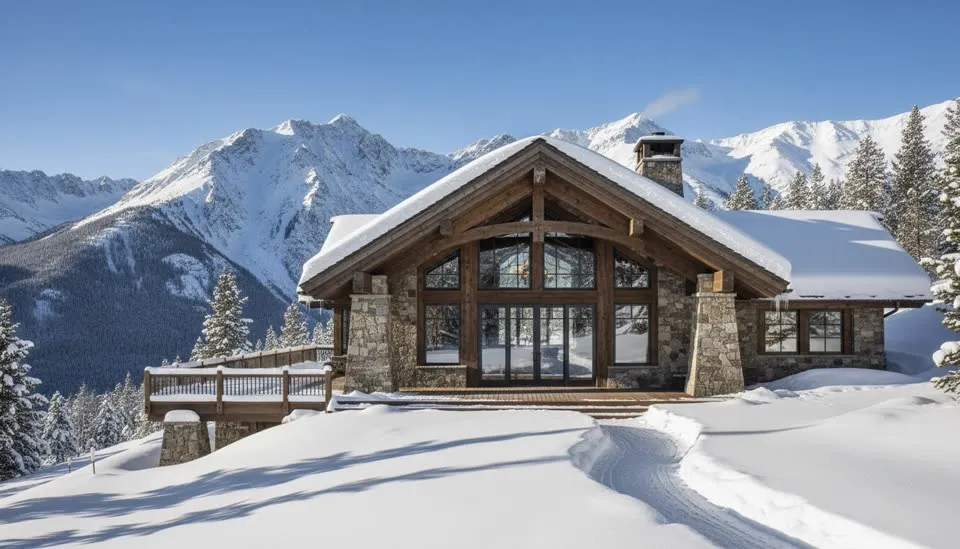
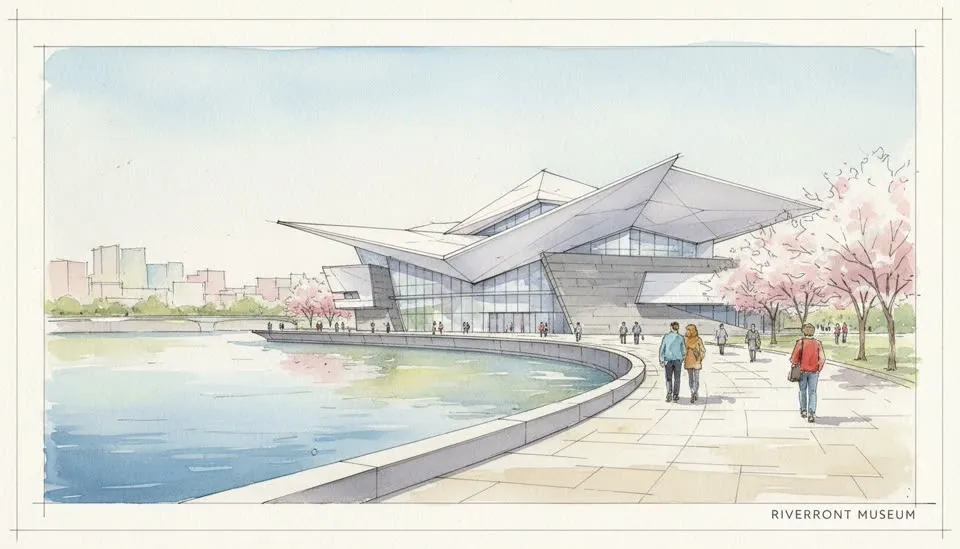
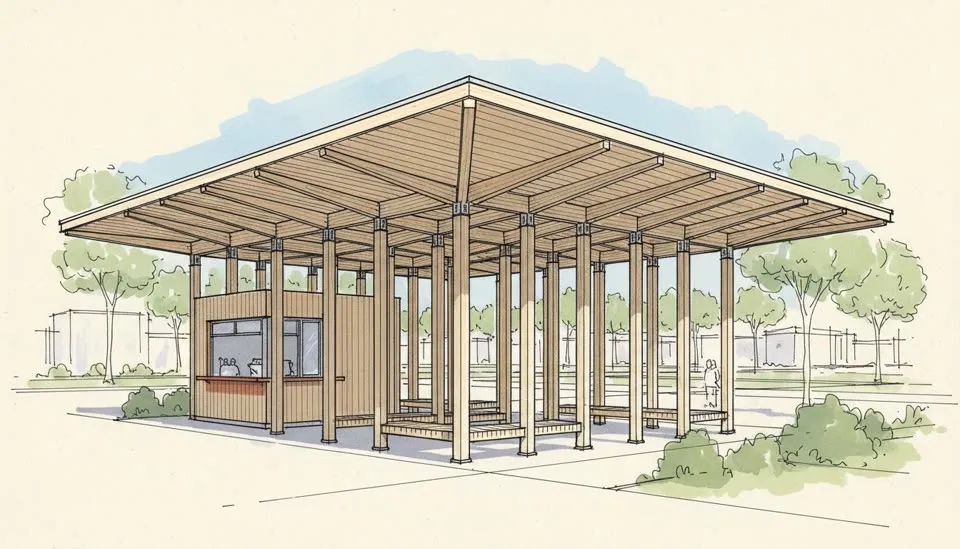
Night, rain, snow, watercolor, clay. Same design, one click each.
Re-roll anything
Regenerate just one view.
The rest of your set stays exactly as it is.
Cloud rendering
Close the tab. Come back.
No GPU rig, no render farm. Generation runs in the background.
Export & present
Stills and film, client-ready.
Download every view in HD — or the full narrated presentation film with title cards and music.
Get started
From screenshot to AI render
in four moves.
Upload a view.
A screenshot from SketchUp, Revit or any 3D tool — or just describe the project in a paragraph.
AI plans the shots.
Your project becomes a shot list — approach, facades, interiors, closing view — with camera notes and narration you can edit before anything renders.
Your design stays intact.
Every render anchors to your uploaded view, so the geometry, massing and materials never drift between shots.
Renders become a film.
Cinematic image to video models animate every view with one slow move. Watch it through, re-roll any shot, export the narrated film.
Questions
AI rendering, answered.
Common questions about ArchReel's AI rendering — which 3D software it works with, how your design stays intact, what free credits cover, and how renders become a narrated film.
Is ArchReel a free AI rendering tool?
Yes — free to start. Every new account gets 20 credits with no credit card, enough to plan a shot list for your project and render several photoreal views of it. Video animation unlocks with any one-time credit pack (from $9.99) or plan — no subscription required for renders.
What is AI rendering?
AI rendering replaces the traditional render engine with a generative model: instead of hours of V-Ray or Lumion setup and render time, the AI reads a screenshot of your model and produces a photorealistic image in about 30 seconds. ArchReel's version is built for architecture specifically — its first rule is preserving your geometry, massing and materials.
Which 3D software does it work with?
All of them, because the input is a screenshot: SketchUp, Revit, ArchiCAD, Rhino, Blender, Lumion viewports — even a photo of a physical model or a hand sketch. No plugins, no exporters, no GPU rig; it runs in the browser.
Will the AI change my design?
No — that's the core promise. The pipeline treats your geometry, storey count, materials and layout as fixed, and every render is anchored to your uploaded view. The AI's freedom is limited to light, weather, landscape, staffage and camera — presentation dressing, never redesign.
Can I change the lighting or mood of a render?
Yes, per render: clear daylight, golden hour, night, soft overcast, rain, winter snow — plus presentation looks like watercolor, ink sketch and clay model. Same design, different atmosphere, one click each.
How do renders become a video?
Each rendered view can be animated into a slow cinematic camera move — an orbit, a push-in, a rise — and the shots cut together into one narrated presentation film with subtitles, music, and title cards. That's the part a traditional render farm can't do in an afternoon.
How long does an AI render take?
About 30 seconds per view. A full presentation set — shot plan, six to ten photoreal views, and the animated film — typically lands in well under an hour, with the shot list shown to you for approval before anything renders.
How is this different from other AI render tools?
Two things: fidelity and film. Most tools restyle your image loosely; ArchReel anchors every view to your uploaded design so the building stays yours across all shots. And it doesn't stop at stills — it plans and renders a complete narrated film, which is normally a $1,500+/minute studio deliverable.
Can I use the renders commercially?
Yes. Renders and films you generate on a paid plan are yours for client presentations, marketing, listings and competitions. Paid access unlocks the full-resolution downloads and the MP4 film export.
Ready when you are.
Start with a screenshot.
Finish with a film.
Sign up free, plan your shots in seconds, and watch the AI render your first views photoreal — on us.