Architectural Animation Generator
Architectural Animation
Generated in Minutes
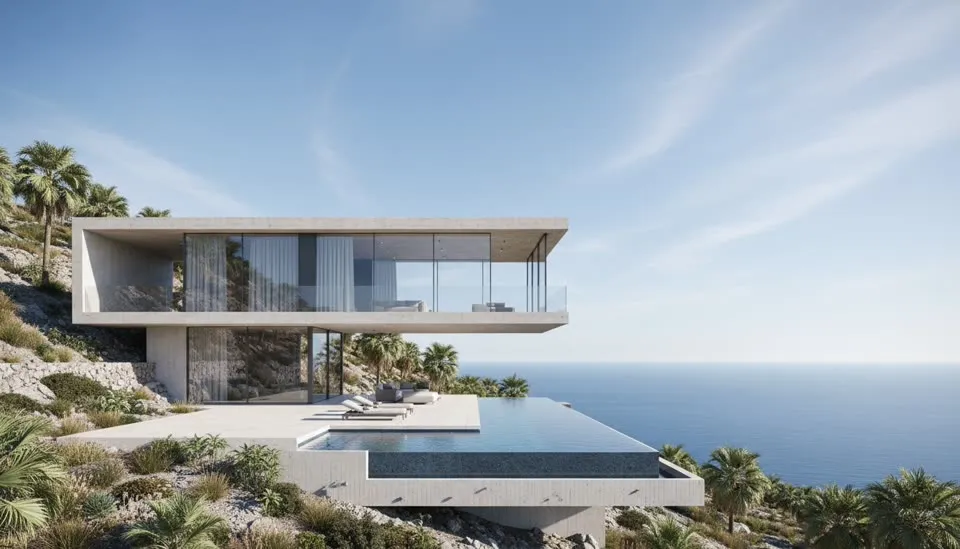
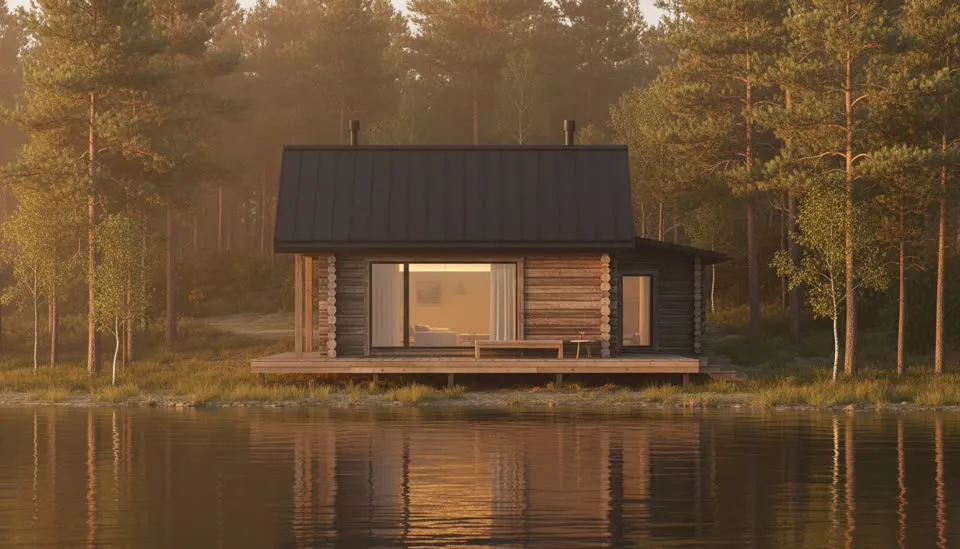
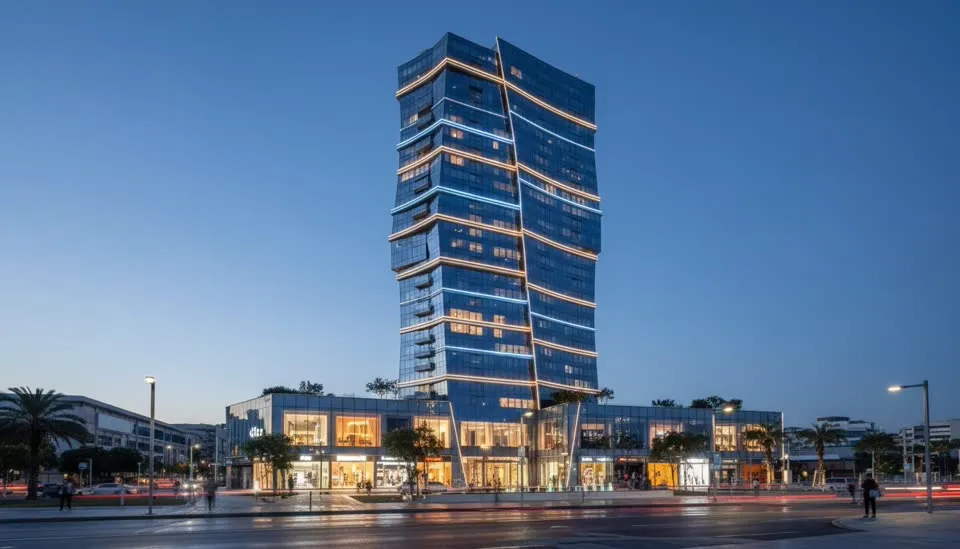
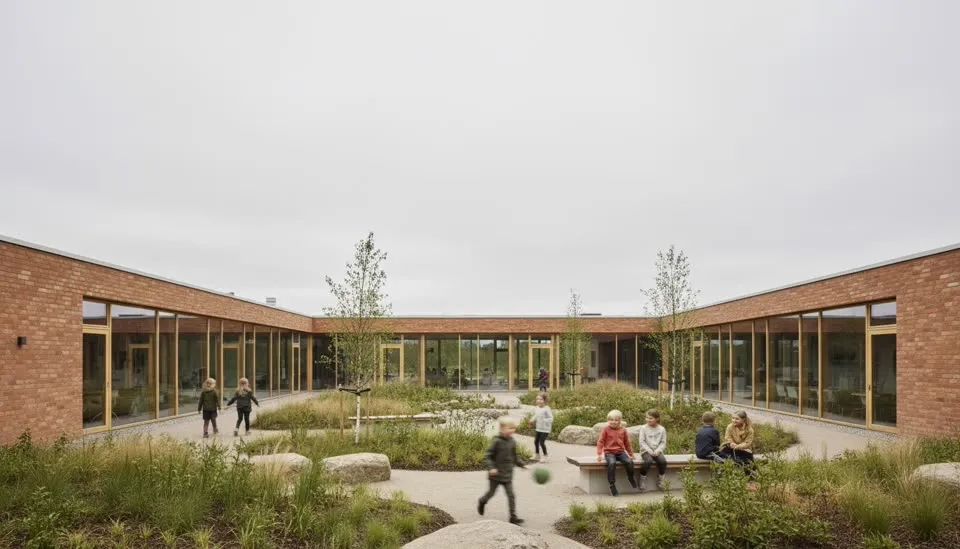
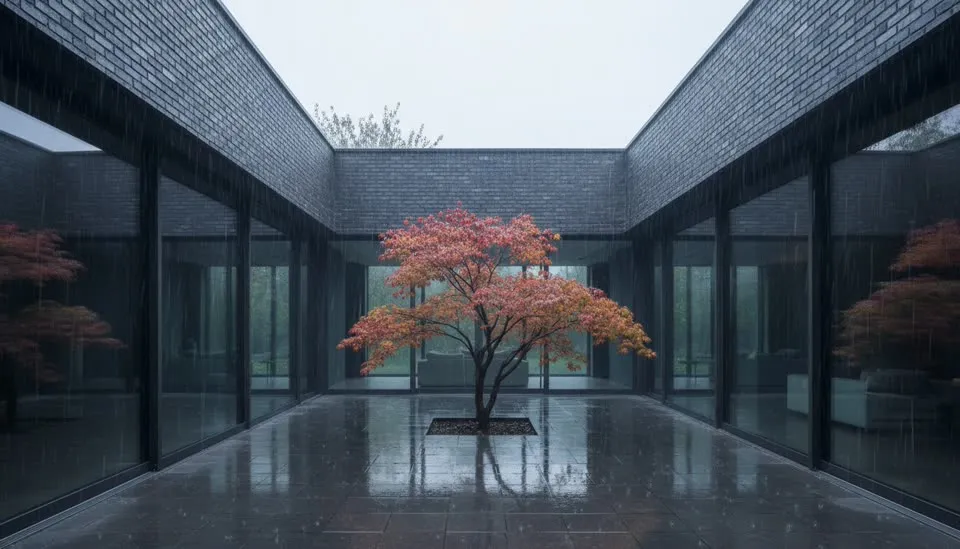
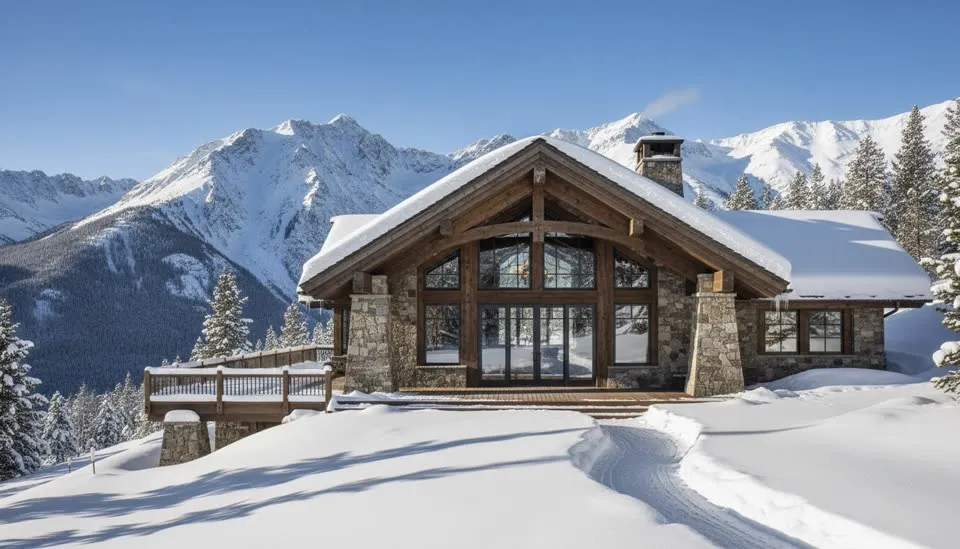
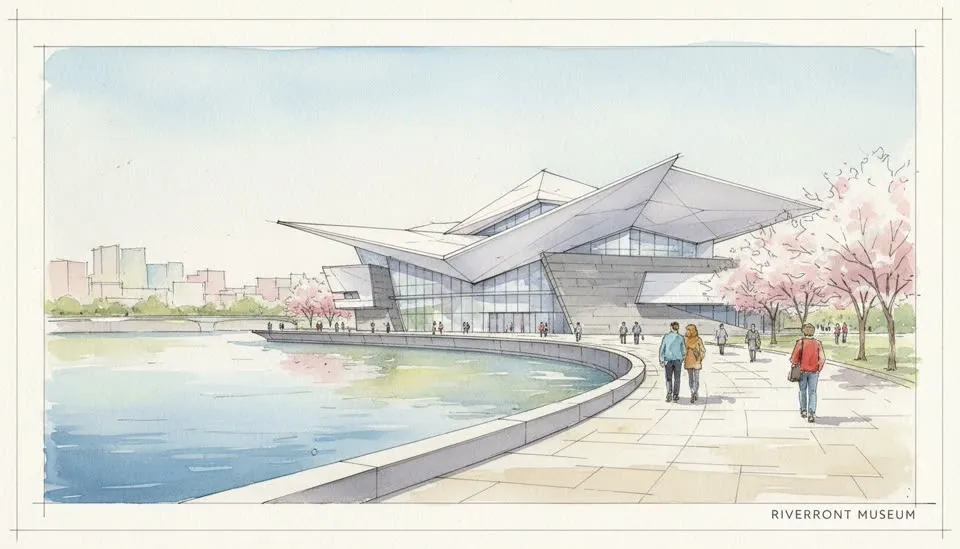
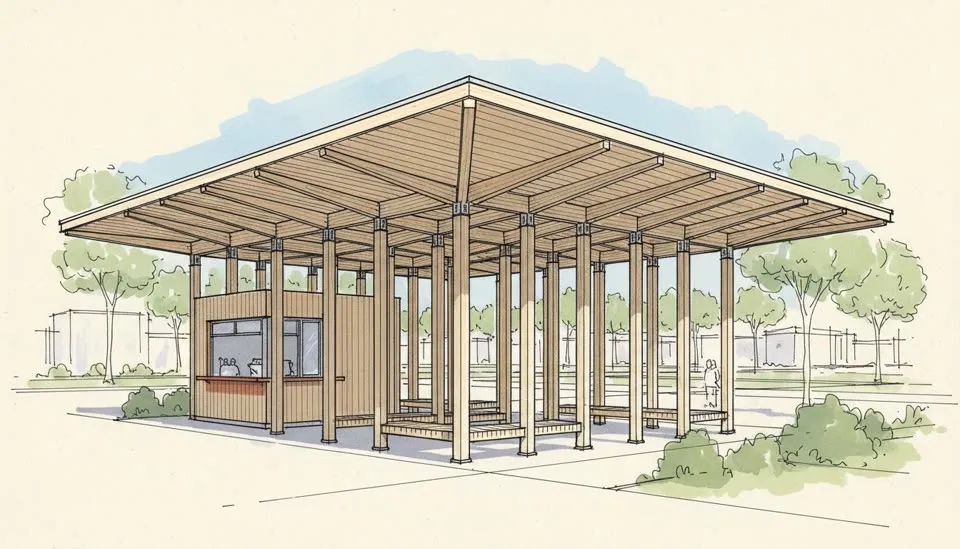
ArchReel turns your model screenshots into 3D architectural animation: the AI plans a shot list like an archviz studio, renders every view photorealistically, then animates each one into a slow cinematic camera move — cut together with narration into one presentation film.
Why ArchReel
The animation studio,
without the studio.
3D architectural animation has always been the most expensive deliverable in visualization: studios quote by the finished minute, render farms bill by the hour, and a revision means another week. That’s why most projects present with stills — even when a moving camera would sell the design better.
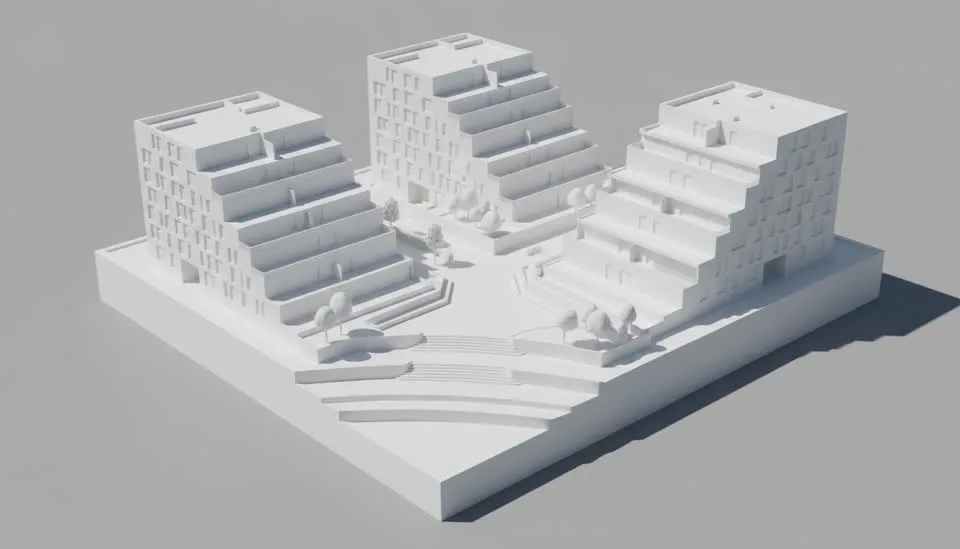
ArchReel generates architectural animation directly from your design views. Upload a screenshot from SketchUp, Revit, ArchiCAD or any 3D tool; the AI plans coverage like an archviz director — approach, hero facade, key interiors, closing shot — renders every frame photorealistically, and animates each view with a slow, deliberate camera move. Your geometry stays fixed; only camera, light and life move.
The result is a narrated presentation film, not a loose clip. If you want the full visitor journey through the building, the 3D walkthrough animation tool plans it room by room; for stills first, start with AI rendering on the homepage.
The moves
Nine camera moves.
One steady hand.
Architectural animation reads as luxury at half the speed of narrative film. Every clip uses exactly one slow move — never a smear of two.
Exterior moves
Slow Orbit
Rounds a corner to show two facades — instant three-dimensionality.
Push-In
Drifts toward the entrance; the invitation shot.
Lateral Track
Glides along the facade, reading its rhythm bay by bay.
Crane Rise
Lifts from eye level to reveal massing and roofscape.
Aerial Drift
The site-plan view, moving just enough to feel alive.
Interior moves
Threshold Glide
Through a doorway into the next room — the transition shot.
Static + Light
Tripod stillness while sunlight creeps across the floor.
Reveal Pull-Back
Backs away from a detail to reveal the whole space.
Window Approach
Moves toward the view the room was designed around.
The math
Weeks of studio time,
or lunch break.
Studios remain the right call for a flagship marketing film. For client presentations, competition boards and design reviews, the economics have changed.
| Animation studio | ArchReel | |
|---|---|---|
| Cost per animated shot | $300–$1,500+ | A few dollars in credits |
| One-minute film | $1,500–$10,000+ | Typically under $20 |
| Turnaround | 2–6 weeks | Under an hour |
| Revisions | Days per round, often billed | Re-roll any single shot in minutes |
| Hardware needed | Render farm / GPU rig | Any browser |
| Frame-perfect custom choreography | Yes — their craft | Not yet — one move per shot |
Questions
Architectural animation, answered.
Everything about generating 3D architectural animation with ArchReel — what it costs versus a studio, what inputs it needs, and how the film stays faithful to your design.
What is an architectural animation generator?
It turns still architectural visuals into moving footage. ArchReel plans a shot list from your project like an archviz studio would, renders each view photorealistically, then animates every view into a slow cinematic camera move — an orbit, a push-in, a rise — and cuts them into one narrated presentation film.
How is this different from hiring a 3D animation studio?
A studio walkthrough typically costs $1,500–$10,000+ per minute and takes two to six weeks with render farms and revision rounds. ArchReel generates each animated shot in a few minutes for a few dollars' worth of credits. Studios still win on frame-perfect custom sequences; for client presentations, competitions and marketing drafts, the AI route is faster by orders of magnitude.
What do I need to provide?
Either a screenshot of your 3D model (SketchUp, Revit, ArchiCAD, Rhino, Blender — any tool, no plugin needed) or just a written project brief. Uploading a view keeps the animation faithful to your actual design; from text alone, the AI visualizes from your description.
Does the animation change my design?
No — that is the core rule of the pipeline. Your geometry, massing and materials are treated as fixed; the AI only adds camera movement, light, landscape life and people. Every shot is anchored to your uploaded view so the building stays your building.
Does it include narration and music?
Yes. Each shot carries a professional narrator voiceover written from your project (with subtitles), and you can lay a music track over the full film before exporting everything as one MP4 with title and end cards.
How long does an architectural animation take to generate?
A single animated shot takes a few minutes. A typical 6–10 shot presentation film — approach, exteriors, key interiors, closing shot — is usually ready well within an hour, including the shot-plan step where you approve the shot list before anything renders.
Keep exploring
More ways to make video with AI.
Ready when you are.
Start with a screenshot.
Finish with a film.
Sign up free, plan your shots in seconds, and watch the AI render your first views photoreal — on us.