AI Landscape Design
Landscapes Rendered
True to the Terrain
ArchReel turns a site model screenshot or a photo of the yard into a photorealistic landscape render — your levels, your boundaries, your hardscape, with believable planting and light instead of lollipop trees, in about 30 seconds per view.
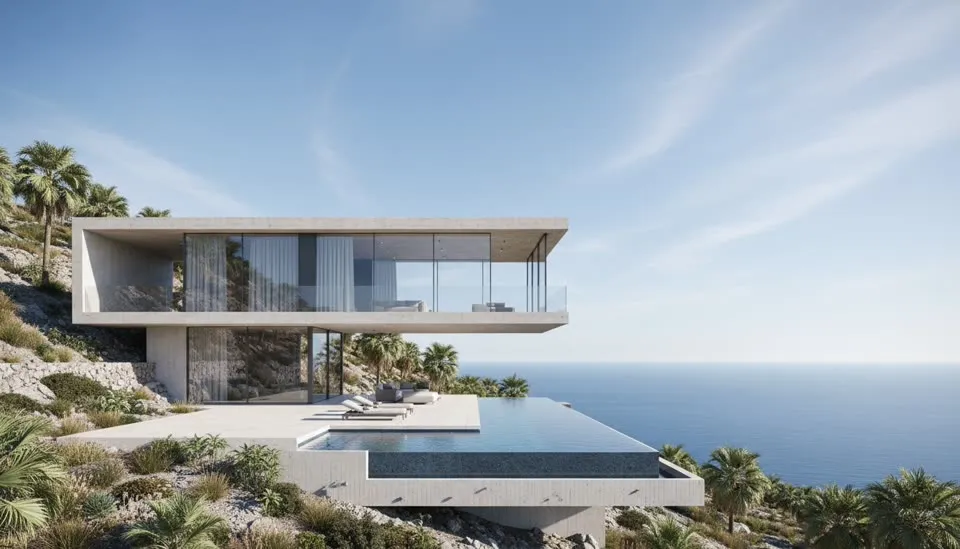
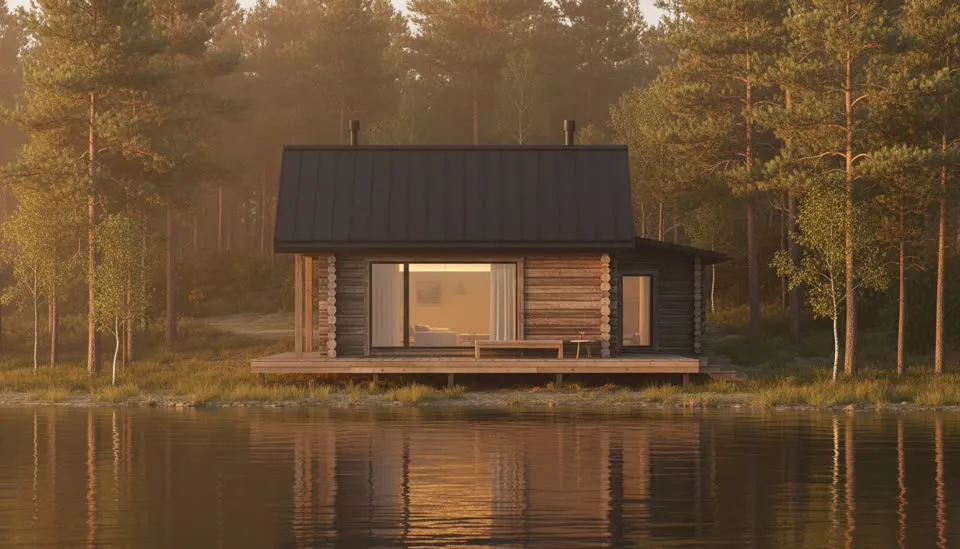

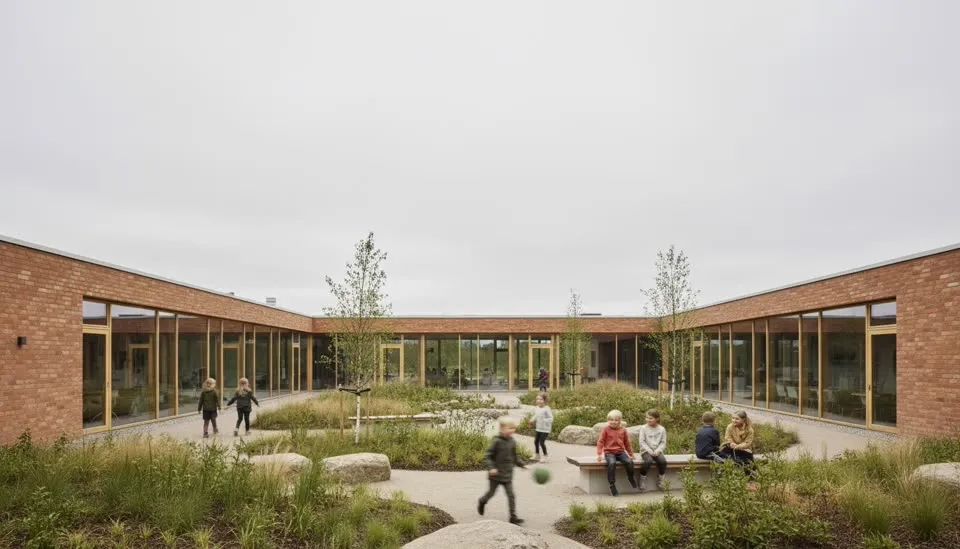
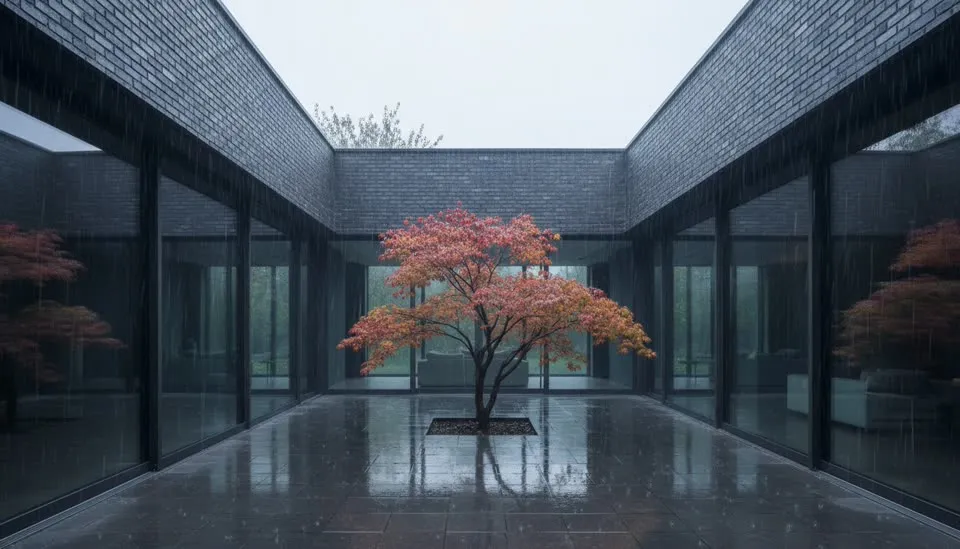
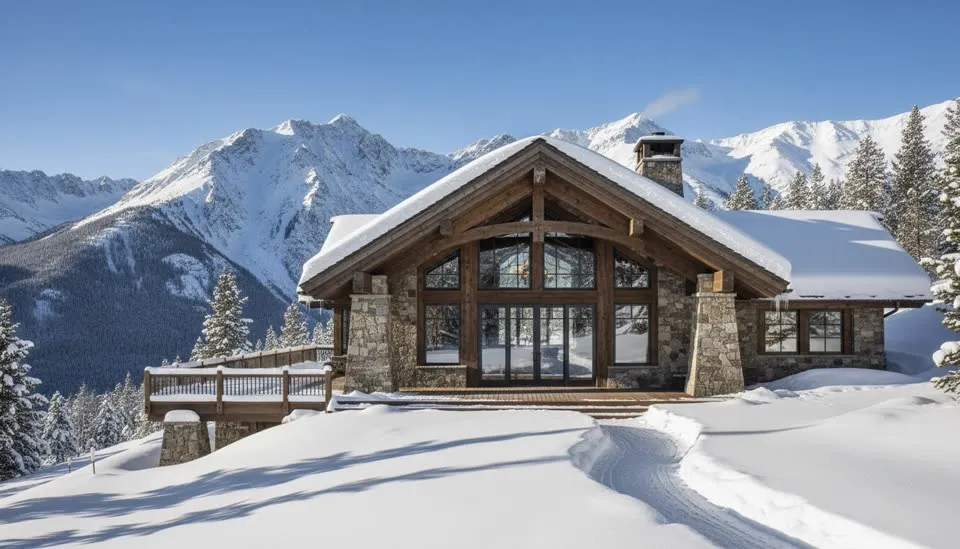
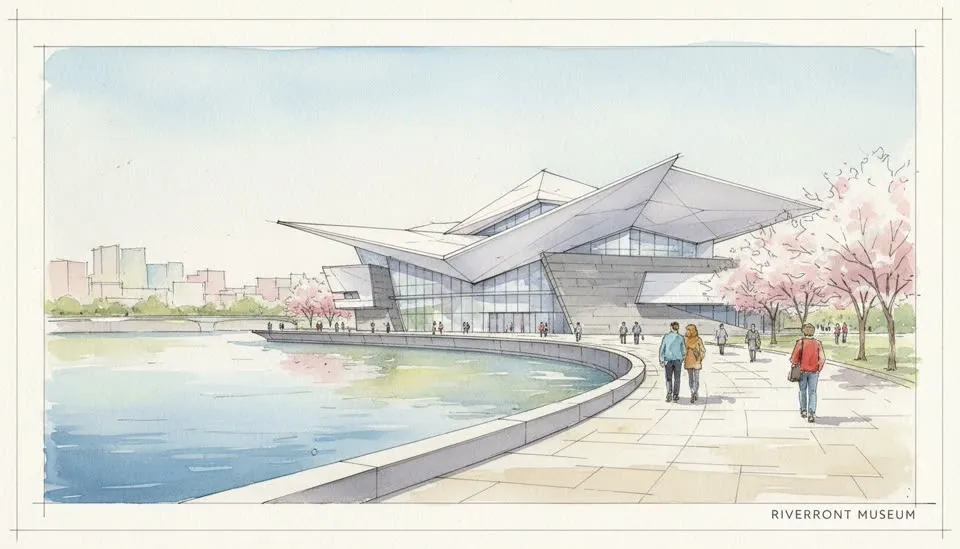
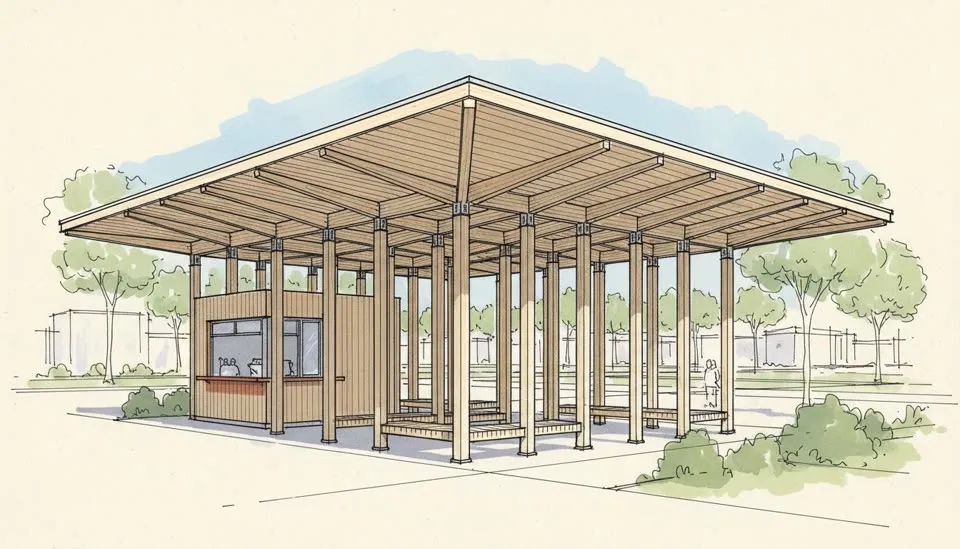
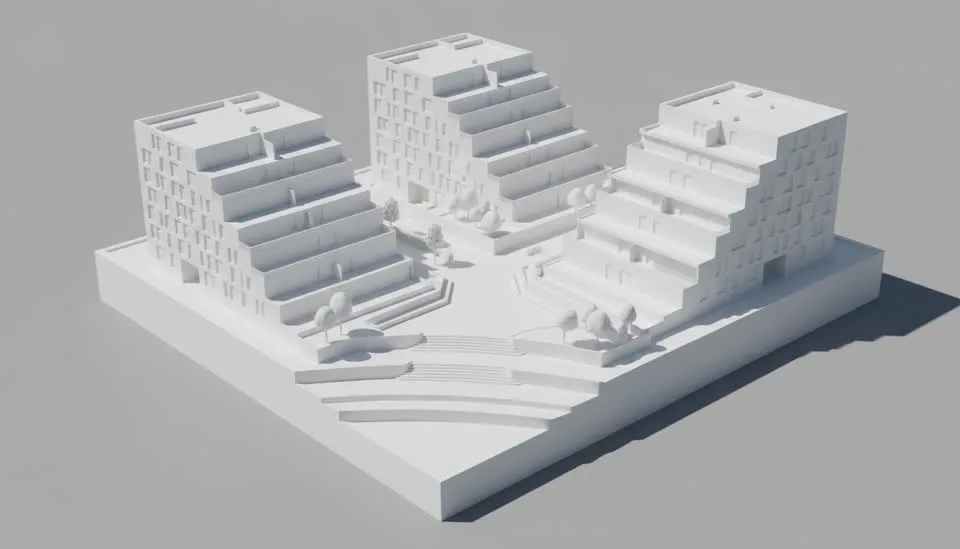
Model or photo
AI landscape design,
two ways in.
Landscape work rarely starts from nothing — there’s either a model of the site or the site itself. The generator takes both.
From a site model
Screenshot the model, keep the design.
Working in SketchUp, Rhino or Revit? Screenshot the site as-is — grey massing, flat ground, placeholder trees — and the AI renders it photoreal without touching your levels, boundaries or hardscape.
- Planting reads as real species, not spheres on sticks
- Ground materials get texture: lawn, gravel, stone, decking
- Aerial and eye-level site views both work
From a photo
Photograph the yard, describe the change.
No model at all? Upload a photo of the existing garden or yard and say what should be different — new beds, a path, a pergola, mature planting. The AI redesigns the landscape while the property stays recognizable.
- House, fences and viewpoint stay where they are
- Try planting schemes before buying a single plant
- Re-roll variations until one feels right
Who it’s for
One landscape tool,
three kinds of site.
Landscape architects
Site plans and planting concepts that read as places, not diagrams.
Presentation views with believable species, seasonal light and real ground materials — in the minutes before the meeting, not the week before.
Architects & developers
The building never sits in a grey void — context sells the scheme.
The same site rendered at golden hour, overcast or after rain, so the landscape argues for the architecture instead of distracting from it.
Homeowners & garden designers
A way to see the backyard idea before committing money to it.
Photo-in, render-out redesigns — new beds, paths and pergolas on the actual property, free to try on a handful of views.
When the stills are approved, put the site in motion: a slow drift across the garden with the architectural animation generator, or an arrival sequence through the landscape with the 3D walkthrough animation tool.
Questions
AI landscape design, answered.
Everything about the landscape generator — photos versus models, what stays fixed, what the free credits cover, and how a garden render becomes a film.
What is AI landscape design?
It's using AI to turn a rough starting point — a site model screenshot, a garden sketch, or a photo of a yard — into a photorealistic landscape image. ArchReel renders terrain, planting, paving and water with plausible light and seasonality in about 30 seconds per view, no 3D vegetation library or render farm involved.
Can it generate a landscape design from a photo?
Yes. Upload a photo of the existing yard, garden or site and describe what should change — new planting beds, a stone path, a deck, mature trees. The AI re-renders the space with those changes while keeping the property itself recognizable: the house, boundaries and viewpoint stay put.
Is the AI landscape generator free to use?
Every new account starts with 20 free credits and no credit card — enough for a shot plan and several landscape renders of your own site or garden. Video animation unlocks with any credit pack or plan.
Will the AI change my house or the site layout?
No — design fidelity is the pipeline's first rule. Buildings, boundaries, levels and hardscape you've drawn are treated as fixed geometry; the AI upgrades realism (light, foliage texture, ground materials) and only redesigns the parts you explicitly ask it to change.
Does it work for landscape architects and site plans?
Yes — that's the professional half of the tool. Screenshot a site or garden model from SketchUp, Rhino or Revit and get presentation-ready views with believable planting instead of lollipop trees. Aerial and semi-aerial site views work too, which makes it useful for masterplan and public-realm presentations.
Can a landscape render become a video?
Any rendered view can be animated with one slow cinematic move — a drift across the garden, a rise over the site — and cut together with narration and music into a short presentation film of the whole landscape.
Keep exploring
More ways to make video with AI.
Architectural Animation Generator
Turn renders into a narrated presentation film.
3D Walkthrough Animation
Approach, interiors, money shot — a full walkthrough reel.
AI Interior Render
Kitchens, living rooms, bedrooms — photoreal in one click.
AI Rendering
3D screenshot to photoreal render in about 30 seconds.
Ready when you are.
Start with a screenshot.
Finish with a film.
Sign up free, plan your shots in seconds, and watch the AI render your first views photoreal — on us.