AI Interior Render
Interior Renders
True to Your Design
ArchReel renders interiors photorealistically from your own model screenshots or room photos — your layout, your finishes, your furniture, upgraded with physically-plausible light and materials in about 30 seconds per view.
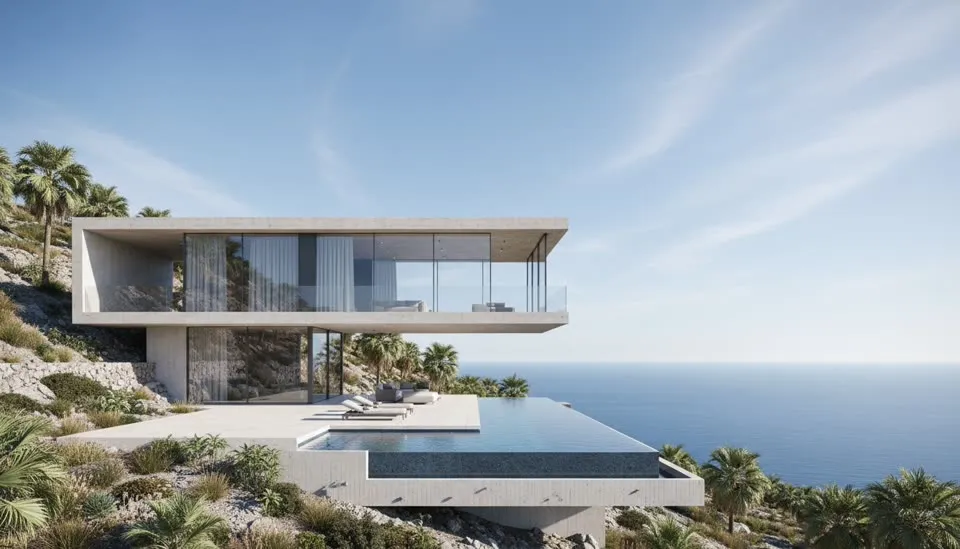
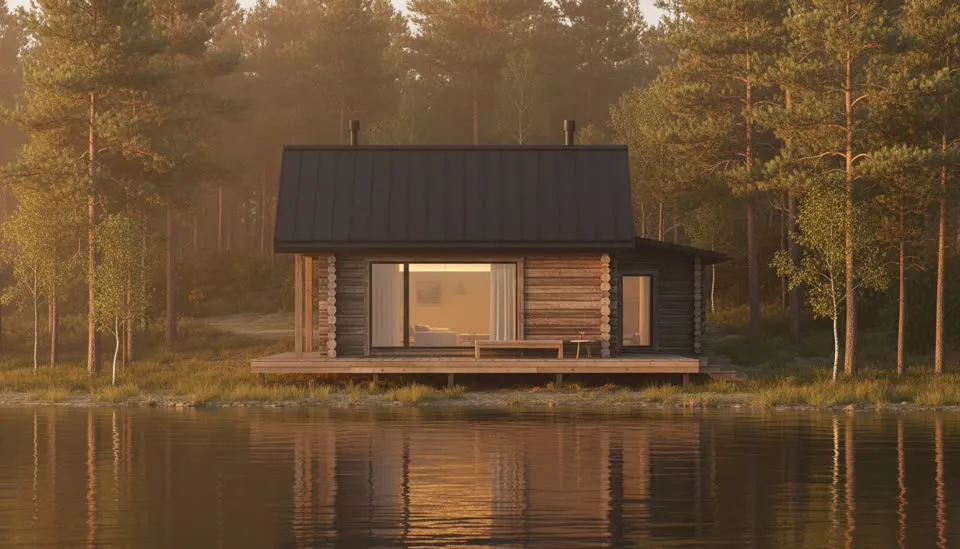

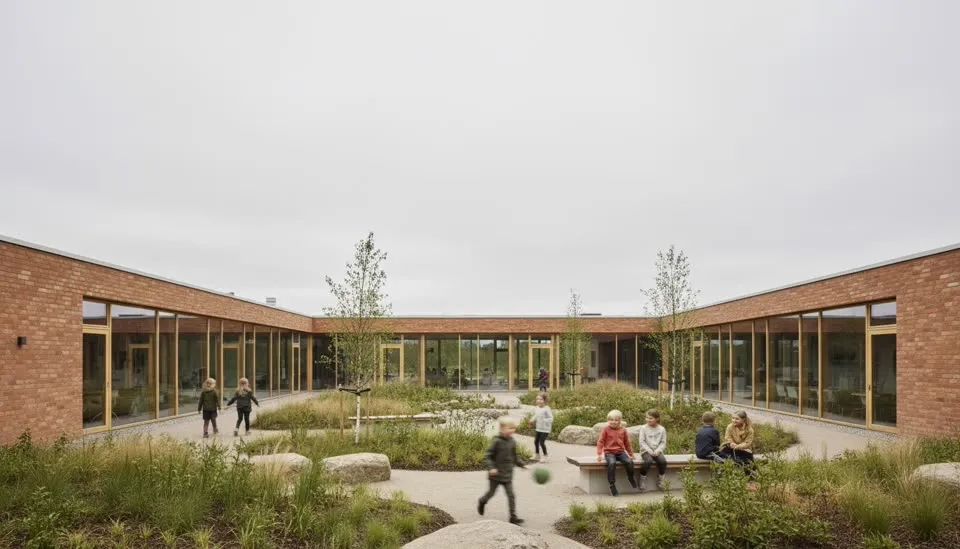
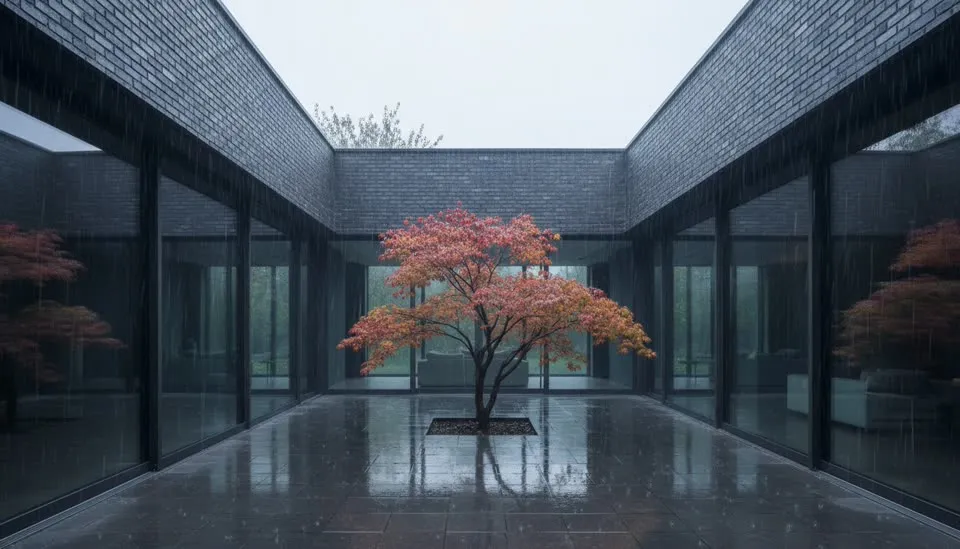
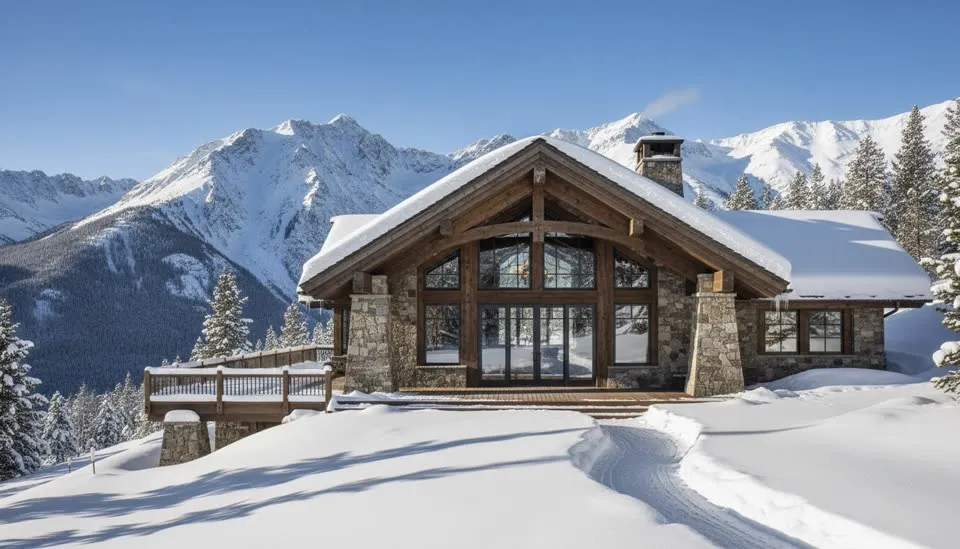
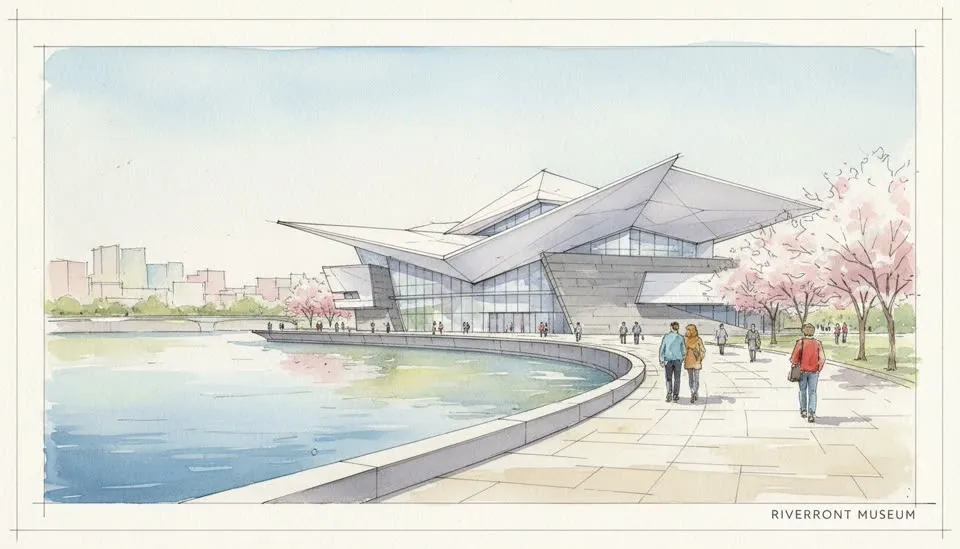
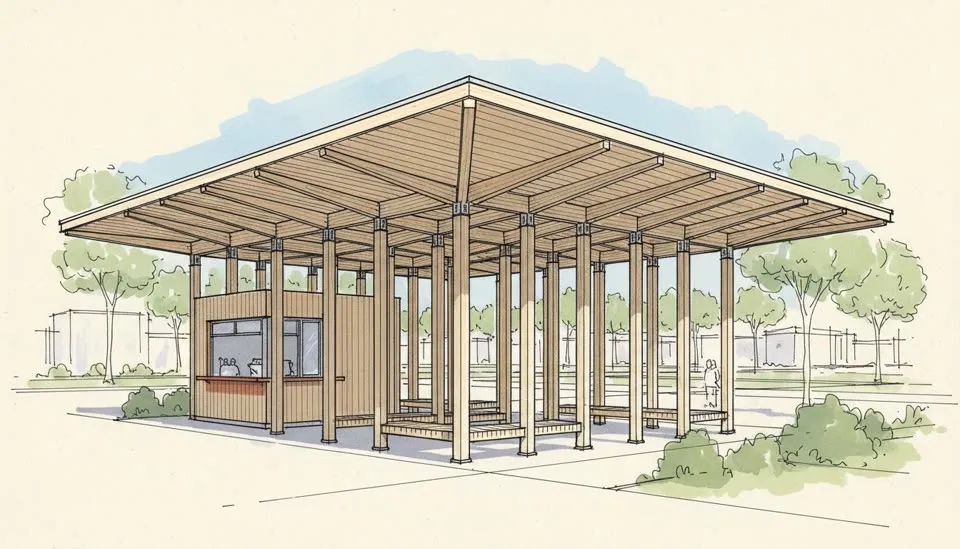
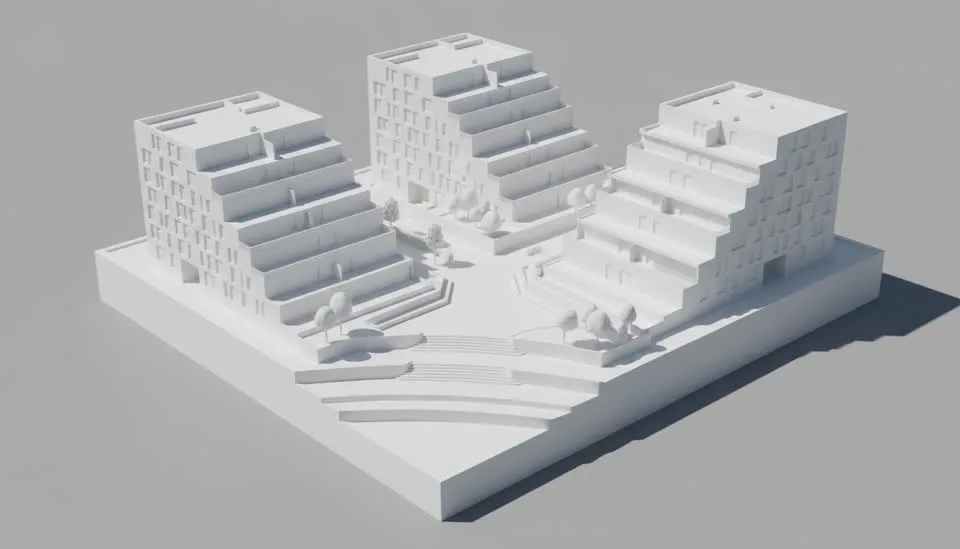
Any room
Every space,
rendered in character.
The renderer keeps each room’s palette consistent across every view of that space — a set of interior renders reads as one coherent design, not six lucky guesses.
Kitchen
Stone, steel and cabinetry read true — the render where material fidelity matters most.
Living room
Daylight depth, textile softness, and the view the sofa was aimed at.
Bedroom
Quiet palettes and morning or dusk light — the mood sells the room.
Bathroom
Tile, glass and water-resistant finishes with honest reflections.
Home office
Task light versus window light, balanced like a photographer would.
Restaurant & retail
Evening ambience, signage glow, and staffage that gives the space scale.
One click each
Same room,
five atmospheres.
Clear daylight
The honest baseline — design review and drawings-adjacent presentations.
Golden hour
The client meeting. Warm low sun and long shadows flatter almost every interior.
Night
Lighting-design presentation: warm lamps, dark windows, atmosphere.
Soft overcast
Scandinavian calm — texture reads without shadow drama.
Rain on the glass
Coziness by contrast; the room feels warmer when the weather isn't.
When the stills are approved, animate them: a slow push through the doorway with the architectural animation generator, or a room-by-room tour with the 3D walkthrough animation tool.
Questions
Interior rendering, answered.
Everything about AI interior renders — which rooms it handles, how finishes stay consistent, and how a still becomes a video tour.
What is an AI interior render?
It's a photorealistic image of an interior space generated by AI instead of a traditional render engine. Upload a screenshot of your interior model — or a photo of the real room — and ArchReel renders it with physically-plausible materials, light and styling in about 30 seconds, no V-Ray or render farm involved.
Which rooms does it handle?
Any interior: kitchens, living rooms, bedrooms, bathrooms, offices, restaurants, retail. The renderer keeps each room's material palette consistent across every view of that space, so a multi-view interior set reads as one coherent design.
Can I change the mood or time of day of an interior render?
Yes — pick a lighting treatment per render: clear daylight, golden hour, night with warm artificial light, soft overcast, even rain on the windows. Same design, different atmosphere, one click each.
Will the AI change my furniture layout or finishes?
The pipeline's first rule is design fidelity: your geometry, layout and specified finishes are treated as fixed. The AI adds realism — light, texture depth, styling props — not redesigns. If you want variations, ask for them explicitly with a natural-language edit.
Can interior renders become a video tour?
Yes. Any rendered view can be animated into a slow camera move — a push-in through a doorway, a lateral along the kitchen island — and multiple rooms cut together into a narrated interior walkthrough with subtitles and music.
Is it free to try on my own interior?
Every new account gets 20 free credits, no credit card — enough for a shot plan and several interior renders of your own project. Video animation unlocks with any credit pack or plan.
Keep exploring
More ways to make video with AI.
Architectural Animation Generator
Turn renders into a narrated presentation film.
3D Walkthrough Animation
Approach, interiors, money shot — a full walkthrough reel.
AI Landscape Design
Gardens, yards and site plans — from a model or a photo.
AI Rendering
3D screenshot to photoreal render in about 30 seconds.
Ready when you are.
Start with a screenshot.
Finish with a film.
Sign up free, plan your shots in seconds, and watch the AI render your first views photoreal — on us.