3D Walkthrough AI
3D Walkthrough
Without the Render Farm
ArchReel generates a 3D walkthrough animation from your model screenshots: the AI orders your spaces like a real site visit — arrival, entrance, key rooms, closing view — renders each one, and animates the tour with slow cinematic camera moves and narration.
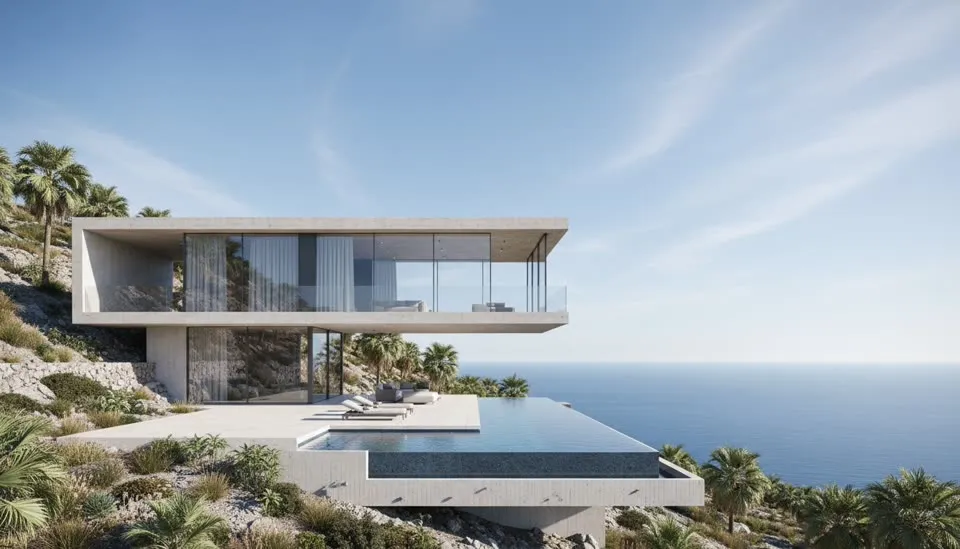
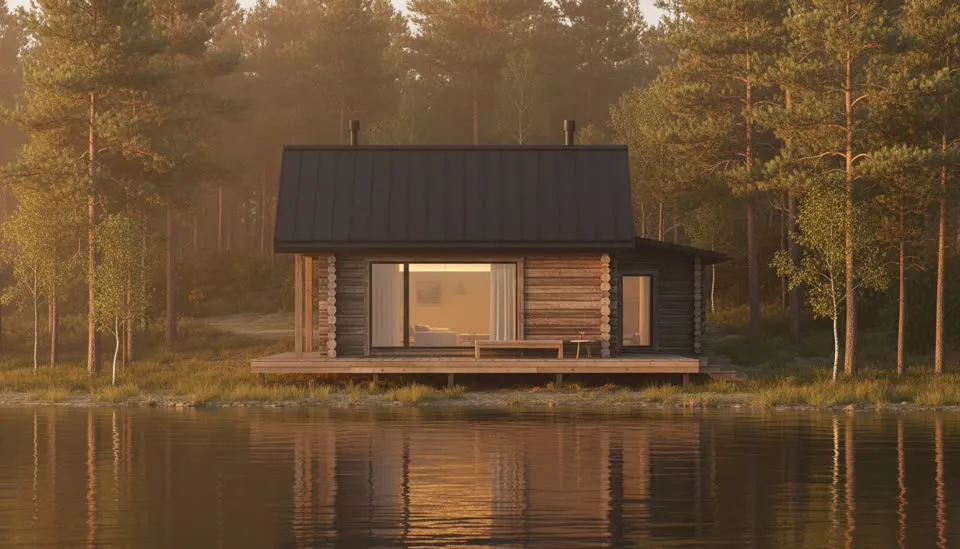
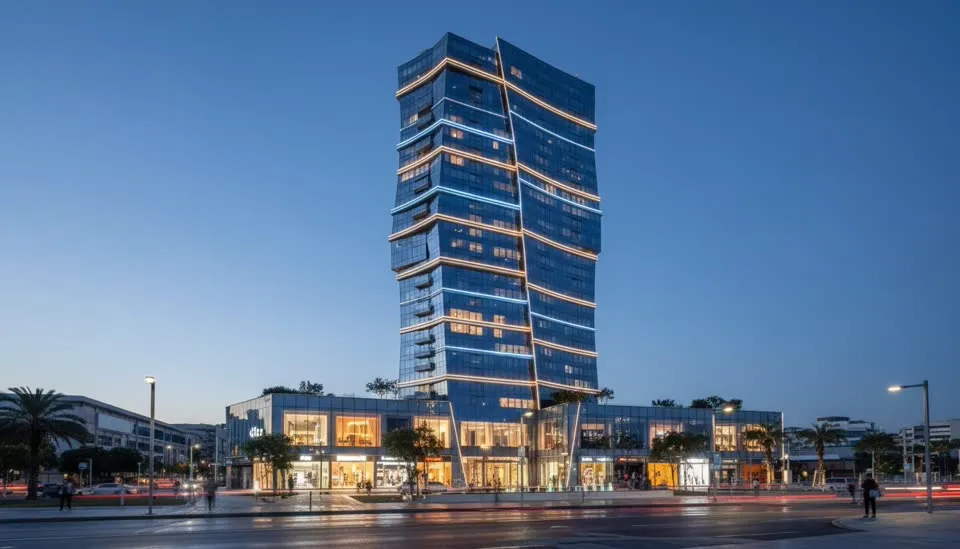
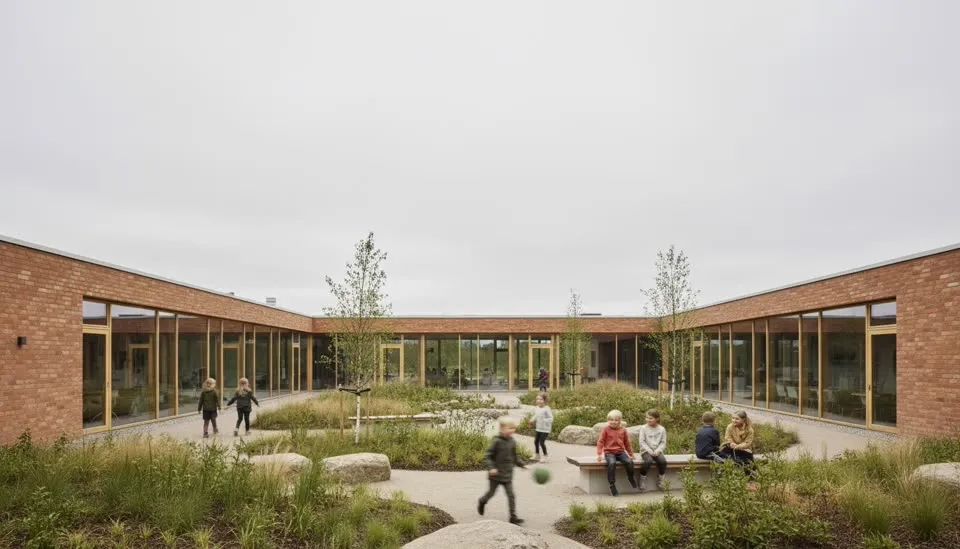
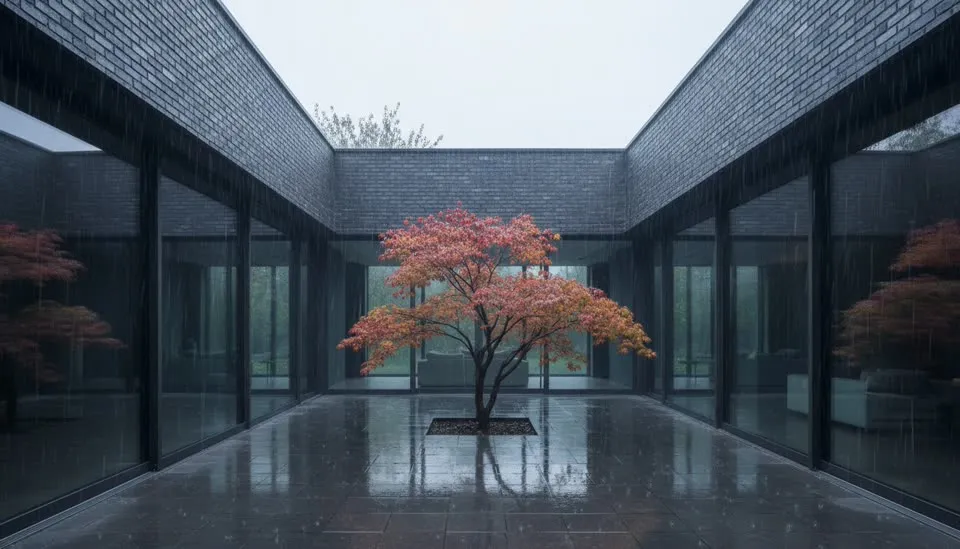
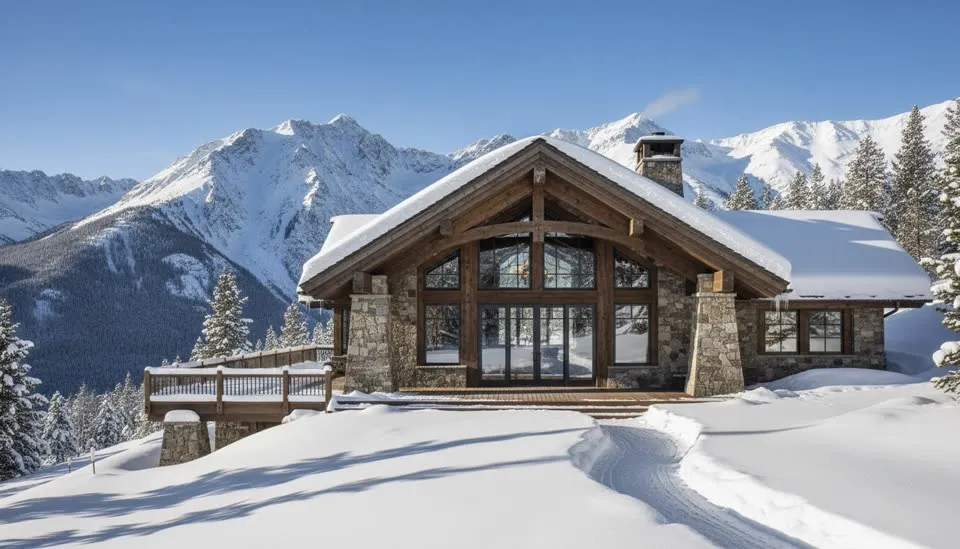
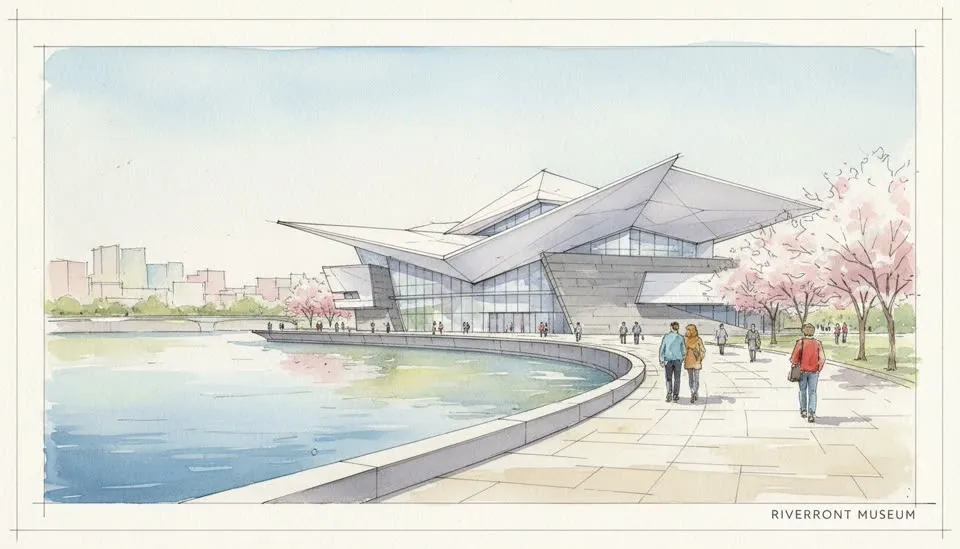
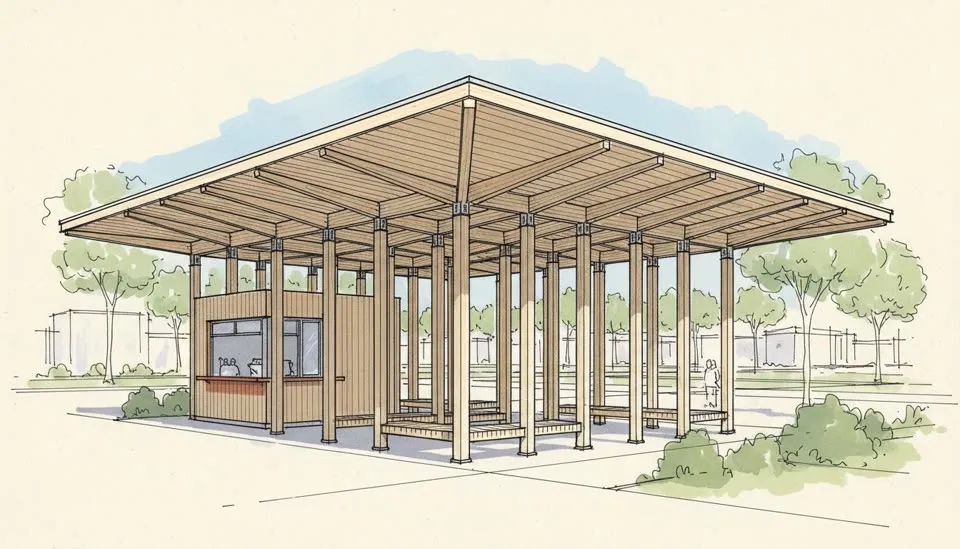
How a tour is built
Five stops,
one continuous visit.
A 3D walkthrough isn’t a pile of clips — it’s a visit with an itinerary. The AI plans yours the way an archviz studio would.
The approach
Every walkthrough opens the way a visit does: down the street, up the drive, across the lawn. A wide establishing move that places the building on its site before a single door opens — the shot that orients your client.
The hero facade
An orbit or lateral track reads the massing and materials. This is where the design's big idea lands — the cantilever, the folded roof, the twisting glass — held long enough to register, narrated in one concrete sentence.
Crossing in
The camera glides through the entrance — the transition beat that stitches exterior to interior. Threshold shots are what make an AI walkthrough feel continuous instead of like a slideshow of rooms.
Room by room
The main spaces in the order a visitor reaches them, each with a consistent material palette and one design point in the narration: the light, the proportions, the view. Detail close-ups punctuate the tour and signal craft.
The closing image
The film ends on the signature view — dusk glow through the glazing, the framed landscape, the aerial that shows the whole idea — held for eight seconds. It's the image the client remembers after the meeting.
Who it’s for
Built for the people
who present buildings.
Architects & small practices
Present next week's design review with a moving tour instead of six stills — and revise it the same afternoon the partner asks for dusk instead of noon.
Developers & real estate marketing
Give a pre-sale project a listing film before the building exists: approach, lobby, unit interiors, rooftop at dusk — rendered from the sales model.
Interior designers
Walk a client from the hallway through every room of the proposal — each space consistent with the finishes you actually specified.
Want single moving shots instead of a full tour? The architectural animation generator animates any one view; interiors-only projects start faster with the AI interior render tool.
Questions
3D walkthroughs, answered.
Everything about AI-generated building tours — what a walkthrough costs versus outsourcing, what inputs the AI needs, and how the visit order works.
What is a 3D walkthrough animation?
A 3D walkthrough is a video that moves a viewer through a building the way a visitor would experience it — the approach, the entrance, the key rooms, the signature view. Traditionally studios build it frame by frame in 3ds Max or Unreal; ArchReel generates the same experience from your model screenshots with AI camera moves.
How much does a 3D walkthrough normally cost?
Outsourced architectural walkthroughs commonly run $1,500–$10,000+ per finished minute depending on quality tier and region, with two to six weeks of turnaround. ArchReel produces a walkthrough-style reel for the price of its shots in credits — typically a few dollars — in under an hour.
Does the AI walkthrough follow a real visit order?
Yes. The shot planner orders spaces like a site visit: arrival and approach first, then the exterior, the threshold, the main interiors, and a closing money shot. You review the whole shot list — every camera angle and its narration line — before anything renders.
Can it do interior walkthroughs, not just exteriors?
Yes — interiors are half the point. Threshold shots carry the viewer from room to room, each space keeps a consistent material palette, and detail close-ups punctuate the tour. There is a dedicated interior tool as well if your project is rooms-only.
What input does the 3D walkthrough AI need?
A screenshot or export of your model from any 3D tool — SketchUp, Revit, ArchiCAD, Rhino, Lumion viewport, even a photo of a physical model — or a text brief describing the project. No plugins, no scene setup, no render farm.
Is the camera movement smooth enough for client presentations?
The clips use slow, steady cinematic moves — push-ins, orbits, laterals — at the deliberate pace archviz films use. Each clip is generated with audio narration, and the final export stitches everything into one MP4 with title cards and a music bed.
Keep exploring
More ways to make video with AI.
Ready when you are.
Start with a screenshot.
Finish with a film.
Sign up free, plan your shots in seconds, and watch the AI render your first views photoreal — on us.